
Approval-first publishing
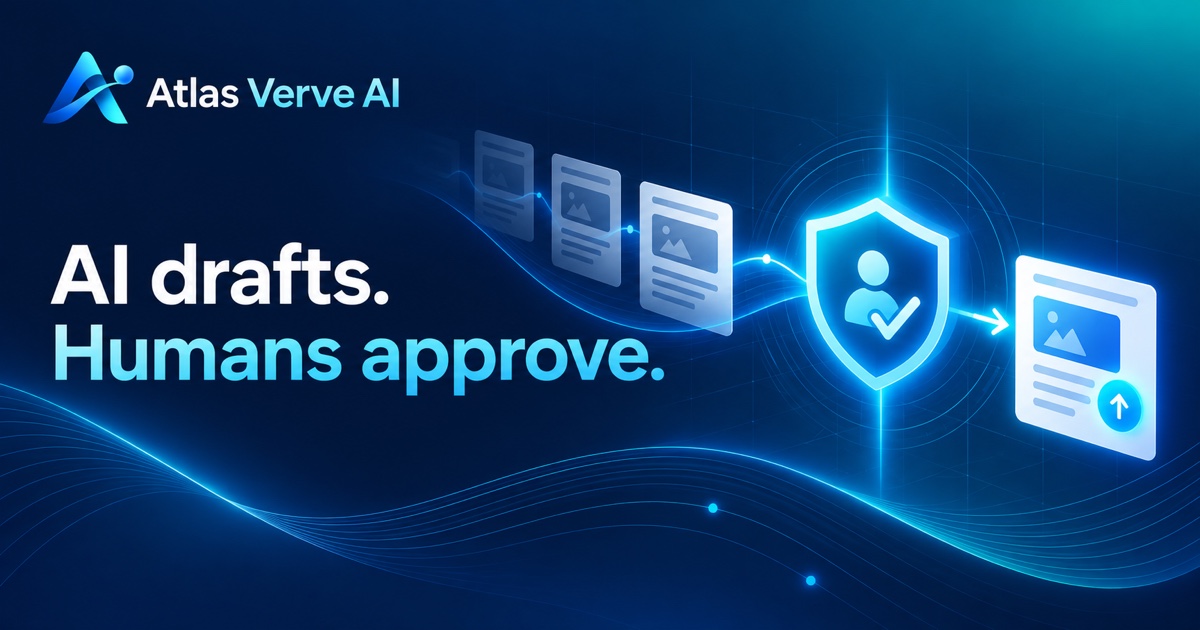
GenAI can prepare the post. Your decision is what moves it forward.
Atlas Verve AI sends a notification when a scheduled draft is ready. Its secure link opens a mobile-friendly review page where the creator can inspect the words and image, edit the final version, and decide what will be sent to LinkedIn.
Overview
Approval is a product control—not an email shortcut
The email tells you a draft is ready. Its secure link opens the review experience, where sign-in and a deliberate confirmation protect the decision. Simply opening or forwarding the message does not publish the post.
For the broader control pattern behind this product flow, read human approval for AI and LLM content workflows.
See the whole draft
Review the full LinkedIn copy, topic, image and timing together before making a decision.
Refine the approved version
Edit the wording on the review page. The version you explicitly approve becomes the publication record.
Keep a decision trail
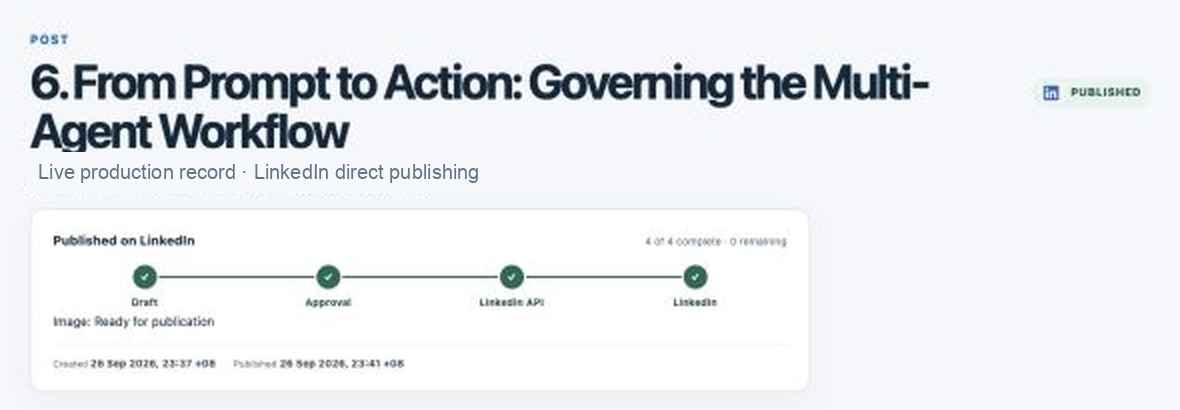
The post record shows approval, dispatch and delivery progress with timestamps and a stable operations reference.
The workflow
What happens after a scheduled draft is ready
The review window is intentionally separate from generation and publishing.
-
01
The draft is saved
Generated copy and any image are attached to a post record before the approval request is sent.
-
02
A notification arrives
The creator receives an approval email with a secure, time-limited route back to Atlas Verve AI.
-
03
The reviewer signs in
The workspace confirms that the signed-in user owns the post. Google or email sign-in reaches the same account when identities are linked correctly.
-
04
The reviewer decides
Approve, edit and approve, or decline. Opening the review page is never treated as consent.
-
05
The approved record is locked in
Publishing uses the final approved content. A later delivery retry reuses that record rather than generating new copy.
Worked example
A review decision with a claim that needs work
Illustrative scenario: a scheduled draft is ready, but one sentence makes a result sound measured when no supporting evidence was supplied.
Draft shown for review
Our new process cut review time in half.
Edited version the owner could approve
We put the source notes, draft and final decision in one review flow so the owner can check the complete post before it goes live.
The reviewer removes the unsupported number, checks the accompanying image and destination, then approves the exact edited version. The email notification alone cannot make that decision.
Put it to work
What to check before you approve a LinkedIn post
The approval button should be the last step of review. Use these checks on the exact version shown in the workspace, including any edits made after the email arrived.
- Claim and source
Can you point to the note or evidence behind each important claim? Qualify or remove anything you cannot support.
- Personal voice
Would you use this opening, example and recommendation in a conversation with the intended reader?
- Complete package
Check the image, image description, article link or other attached format together with the final copy.
- Destination and timing
Confirm the connected LinkedIn profile and the intended publishing time before accepting the decision.
- Final version
Read once more after editing. Approval applies to this saved version; a later rewrite needs another review.
01
Why this matters for professional voice
LinkedIn posts carry a person’s name and reputation. Human review catches context, nuance and claims that automated generation cannot own on the author’s behalf.
02
What happens when approval expires
An expired review request does not publish. The dashboard marks the topic as needing attention so the user can choose the next action.
03
What happens when delivery fails
The milestone where delivery stopped turns red and the reason is shown. LinkedIn media-preparation failures can be retried using the unchanged approved post after correcting the issue. An uncertain result is investigated before any retry to avoid duplicate posts.
Common questions
Clear answers before you begin.
Does clicking Approve in the email publish immediately?
The link opens the protected review page. The user signs in and confirms the approval there before publishing starts.
Can I edit a generated post before approval?
Yes. The final editable content is presented during review, and only the version you approve is dispatched.
Will Retry publishing generate different content?
No. It retries the exact approved post. Creating a new draft is a separate action.